Adding more users


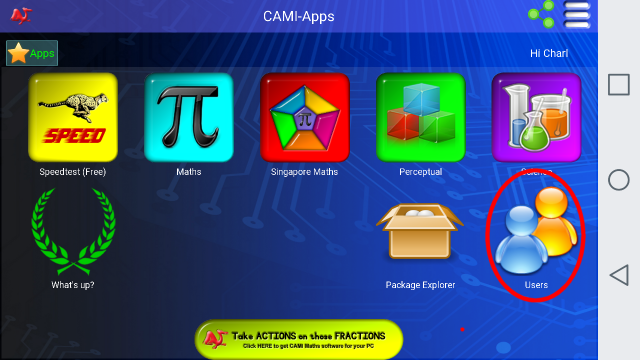
After the first user on a Device has been registered, you can click on the Users icon to see the screen for managing the users:
This will open up a list, displaying the currently registered persons on this Device:
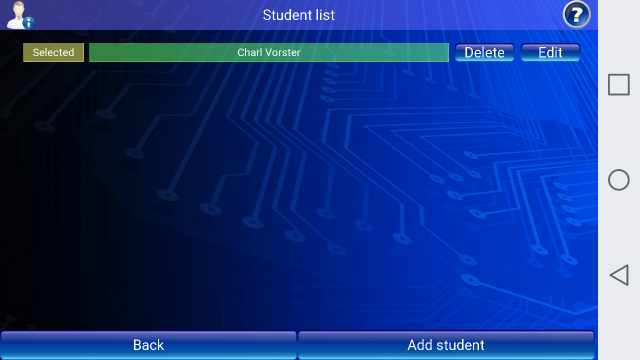
In private homes, it is common practice in families for one of the Parents to register as the first user.
Some families will have Dad as the first user on a Device, Mom as the second user and thereafter the children are registered so that each person will have their own scoring files.
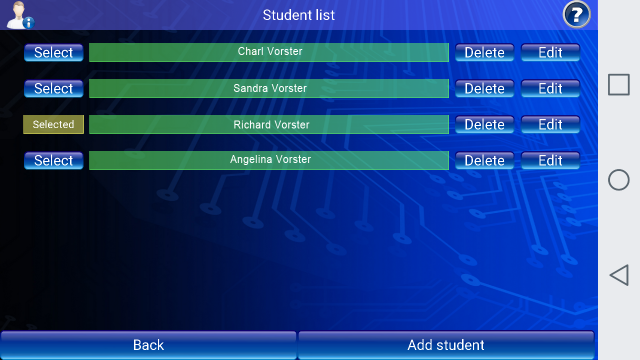
The first user can now Add more users to this Device, and a family may end up with 4 or more names in the list. In this list, the third person, Richard, has been selected, and all the results of exercises being done will be written up into Richard's file.
In schools, it is common practice that one Tablet may be shared by say, 8 students, and therefore each student will need his own Log-In details to ensure that his scores are recorded to his own account, under his own name.
Names can be Added, Edited or Deleted from this list.