Advanced Speed Tests


The standardised Speed Tests in CAMI-Apps run for 60 seconds.
However, in our Flagship Windows products, the Speed Test will run for 400 seconds.
All National Competitions are held over a 400 second time period.
We have included this Option on Page 2 of the Speed Test menus:
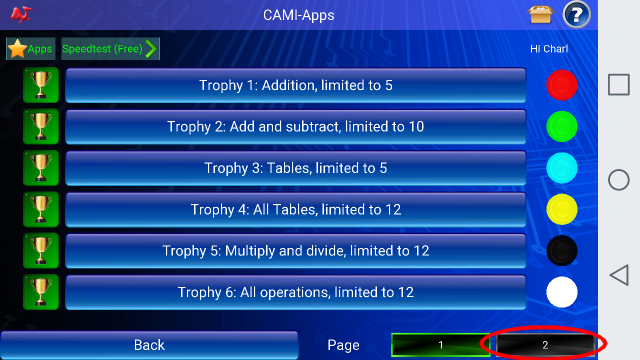
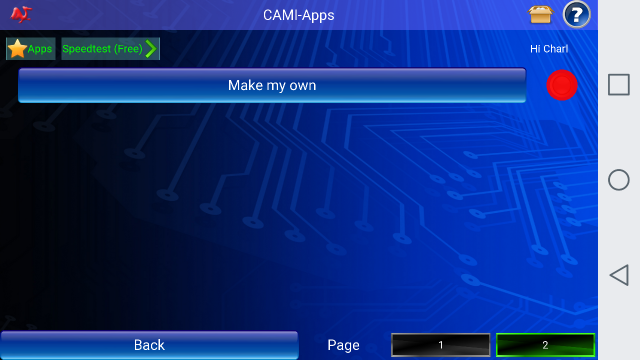
Clicking on page 2 will bring up this menu item, "Make my own":
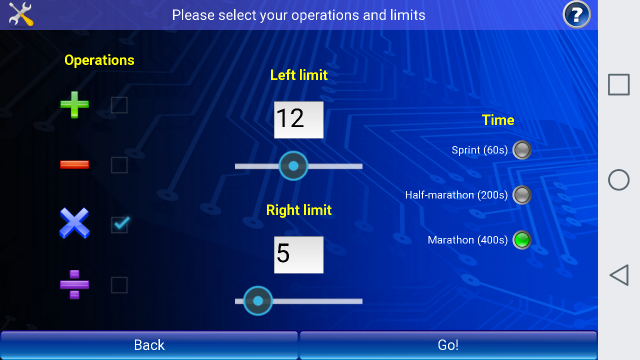
Now, you can set up your own Customised Speed Test, be selecting the Operators (+,-, x, ) as well as the time periods: 60 sec, 200 sec or 400 sec.
You also have control over the number limits to the left and to the right of the Operator that you have chosen.
In the example below, you can see that the user has picked only the Multiply sign to appear in the centre of the sum.
To the left of the Multiply sign, the user has set the largest number to appear on the left side of the Multiply sign to be limited to 12.
Similarly, the numbers on the Right of the Multiply sign will be limited to 5.
So, the biggest sum that will appear on the screen will be 12 x 5 = ?
Then, the user has selected 400 seconds to be the running time of this speed test.
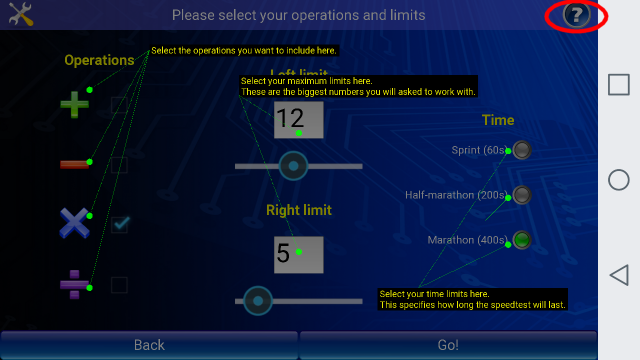
If the user clicks on the Question mark in the top right hand corner, these settings will be explained in a Help screen: